Difficulty - *
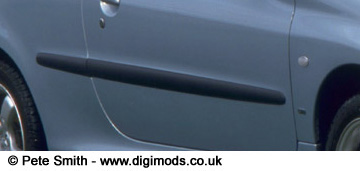


Looks sweet huh?!
| Tutorial: Colour Coding Black Strips | |||
| Colour code those awful black strips. | |||
|
Colour Coding Difficulty - * |
|||
|
|
Those should be body coloured! | ||
|
|
Grab the lasso tool and draw closely around the black strip. Make sure you follow it as close as possible. | ||
|
|
Then go to image>adjust>brightness/contrast, and increase the lightness of the strip. So that the brightness closely matches the lightness of the bodywork! | ||
|
|
then go to image>adjust>variations and add some colour to the the selection (blue was added here as the car has a blue/green colour. | ||
|
|
Then head for image>adjust>hue/saturation. And
slide around the erm... sliders to get the perfect colour match ;) Looks sweet huh?! |
||